
Every week, we receive support tickets that begin with the same message.
“My website has been hacked.”
“I’m seeing strange content on my website.”
“Google says my site isn’t safe.”
“My hosting provider suspended my account.”
After helping hundreds of website owners recover hacked websites, we’ve noticed one important pattern.
Most websites are not hacked because someone specifically targeted them. Instead, they are discovered by automated bots that constantly scan millions of websites looking for common security weaknesses. These bots search for outdated software, weak passwords, insecure hosting environments, and other vulnerabilities that are surprisingly common.
The good news is that most of these problems are completely preventable. Understanding why websites get hacked is the first step toward protecting your site.
Hackers Are Not Looking for You

One of the biggest misconceptions about website security is believing that only large companies are targets.
Many website owners think,
"I'm just a small business. Nobody would want to hack my website."Unfortunately, that’s not how cyberattacks work.
Most attacks are completely automated. Hackers use bots that scan thousands of websites every hour, checking for known vulnerabilities. Your website doesn’t need to be popular or profitable to become a target. If it has a security weakness, the bots will eventually find it.
Once they gain access, attackers rarely care about your content. Instead, they use your server to send spam emails, host malware, redirect visitors to scam websites, or launch attacks against other websites.
Even a personal blog or a small local business website can become part of a much larger cyberattack.
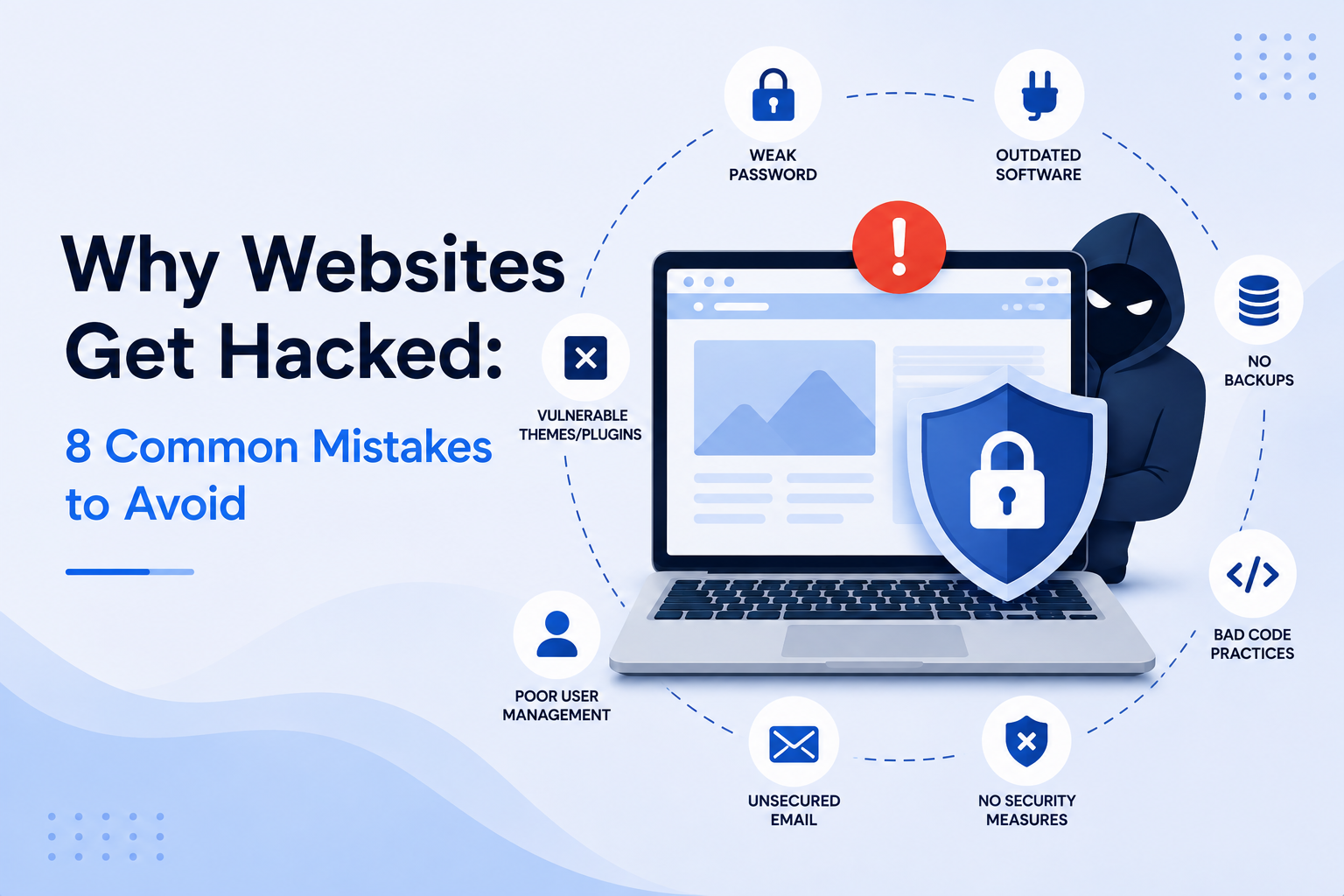
Most Common Reasons: Why Websites Get Hacked?
Outdated Software
Outdated software remains the number one reason websites get hacked.
Whether you use WordPress, Joomla, Drupal, or another content management system, updates are released regularly to fix bugs and close newly discovered security vulnerabilities.
The problem is that once a security update is released, hackers immediately learn what vulnerability was fixed. Their bots then begin searching for websites that haven’t installed the update yet.
If your CMS, plugins, or themes haven’t been updated for several months, your website could be vulnerable to attacks that are already well known.
Make it a habit to install updates as soon as they become available or schedule a monthly maintenance routine.
Weak Passwords
Weak passwords continue to be one of the easiest ways for attackers to gain access.
Automated bots perform brute force attacks, trying thousands of username and password combinations until one works.
Passwords like:
- admin123
- password123
- your business name
- your birth year
can often be cracked within seconds.
Instead, use a long password that combines uppercase letters, lowercase letters, numbers, and symbols. Password managers make this easy by generating and storing strong passwords for you.
Also, avoid using admin as your username since it’s usually the first account attackers attempt to access.
Shared Hosting Without Proper Isolation
Shared hosting is affordable and works well for many websites, but security depends heavily on how the hosting provider manages the server.
A properly configured server isolates each hosting account so that one compromised website cannot affect another.
Poorly configured servers, however, may allow malware to spread between accounts.
Before choosing a hosting provider, ask how they isolate customer accounts and what security measures they use to protect shared hosting environments.
A trustworthy host should be happy to explain their security practices.
No SSL Certificate
An SSL certificate encrypts the connection between your website and your visitors.
Without SSL, sensitive information such as login credentials, payment details, and contact form submissions can potentially be intercepted during transmission.
Fortunately, SSL certificates are now free through Let’s Encrypt, and most quality hosting providers install them automatically.
If your website still uses HTTP instead of HTTPS, make upgrading a priority.
Wrong File Permissions
Every file and folder on your hosting server has permissions that determine who can read, modify, or execute it.
Permissions that are too open create unnecessary security risks.
For example, folders set to 777 allow almost anyone to modify files, making it much easier for attackers to upload malicious code.
A safer configuration is typically:
- Folders: 755
- Files: 644
If you’re unsure about your website’s file permissions, ask your hosting provider or developer to review them.
No Firewall or Security Scanning
A Web Application Firewall (WAF) acts as your website’s first line of defense.
It blocks malicious traffic before it reaches your website, helping prevent attacks such as:
- SQL injection
- Cross-site scripting (XSS)
- Brute force login attempts
- Known malicious bots
Regular malware scanning is equally important because it can detect infections before they damage your website or cause search engines to blacklist your domain.
Pirated Themes and Plugins
Downloading premium WordPress themes or plugins from unofficial websites is one of the fastest ways to compromise your website.
These “nulled” versions often contain hidden malware, backdoors, or malicious scripts that give attackers full access to your site.
Saving a few dollars today can easily turn into hundreds or even thousands in recovery costs later.
Always download themes and plugins from trusted developers or official marketplaces.
No Backups
Backups won’t stop a hacker from breaking in, but they can dramatically reduce the damage.
If your website becomes infected, restoring a clean backup is often the quickest way to recover.
Without backups, you may lose important content, customer data, and hours of work rebuilding your site.
A good backup strategy includes:
- Automatic daily backups
- Off-site backup storage
- Regular restore testing to verify backups actually work
Reliable hosting providers usually include automated backups, but it’s always worth confirming that this feature is enabled.
What to Look for in a Secure Web Hosting Provider
Choosing the right hosting provider is one of the best ways to improve your website security. A secure hosting environment protects your website long before hackers have a chance to exploit a vulnerability.
When comparing hosting providers, make sure they offer these essential security features:
- Account isolation so other websites on the same server can’t access or affect your files.
- Server-level firewall that blocks malicious traffic before it reaches your website.
- Free SSL certificate included with every hosting plan to keep data encrypted.
- Automatic daily backups with one-click restore options.
- Malware scanning that detects suspicious files and alerts you immediately.
- DDoS protection to defend your website against traffic flood attacks.
- Two-factor authentication (2FA) for your hosting control panel and account.
- Regular server updates, including the latest supported versions of PHP, MySQL, and other critical software.
If your current hosting provider doesn’t offer most of these features, it may be time to consider switching. Website security shouldn’t be treated as an expensive extra. It should be a standard part of every quality hosting service.
Warning Signs Your Website May Already Be Hacked
Website hacks aren’t always obvious. In many cases, malware stays hidden for weeks or even months before anyone notices.
Here are some of the most common warning signs that your website may already be compromised:
- Google displays a warning that your website may be hacked.
- Visitors are redirected to websites you don’t recognize.
- New administrator accounts appear without your permission.
- Spam emails are being sent from your domain.
- Strange pages suddenly appear in your sitemap or search results.
- Your hosting provider suspends your account because of suspicious activity.
- Your website becomes unusually slow without any obvious reason.
- Security plugins report malware or unauthorized file changes.
If you notice even one of these warning signs, investigate immediately. The longer attackers remain on your website, the more damage they can cause and the more difficult recovery becomes.
Website Security Checklist
Protecting your website doesn’t have to be complicated. Most of the steps that prevent website hacks can be completed in just a few hours.
Use this simple website security checklist:
- Update your CMS, plugins, and themes to the latest versions.
- Replace weak passwords with strong, unique passwords.
- Enable two-factor authentication for your hosting account and website administrator.
- Confirm your SSL certificate is active and your website loads over HTTPS. If SSL isn’t installed yet, follow our guide to install an SSL certificate before continuing.
- Install a trusted security plugin or enable a Web Application Firewall (WAF).
- Verify that automatic daily backups are enabled and test a backup restore.
- Remove any administrator accounts you don’t recognize.
- Review file and folder permissions to ensure they’re configured correctly.
These simple security practices eliminate many of the most common attack methods used by automated bots and hackers.
Final Thoughts
If there’s one thing to remember, it’s this: most websites aren’t hacked because someone specifically targeted them. They’re hacked because automated bots continuously scan the internet looking for websites with outdated software, weak passwords, insecure hosting, or other common security weaknesses. When they find an easy opportunity, they take it.
The most common reasons websites get hacked include:
- Outdated CMS, plugins, or themes
- Weak or reused passwords
- Poor server or hosting security
- Missing SSL certificates
- Lack of a firewall or malware protection
- No reliable backup strategy
The good news is that nearly all of these risks are preventable. Regular software updates, strong passwords, secure web hosting, automatic backups, and basic security best practices dramatically reduce the chances of your website being compromised.
If you’re unsure whether your hosting environment is secure, contact your hosting provider and ask about their security features. Find out whether they offer malware scanning, server firewalls, automatic backups, account isolation, DDoS protection, and regular server maintenance. A reliable hosting company will answer these questions clearly and confidently.
Website security isn’t just about recovering after an attack. It’s about preventing one before it happens. By choosing secure web hosting like Kailash Cloud provides and following a few simple security best practices, you can protect your website, your visitors, your business, and your reputation for years to come.